
NEXORA Store
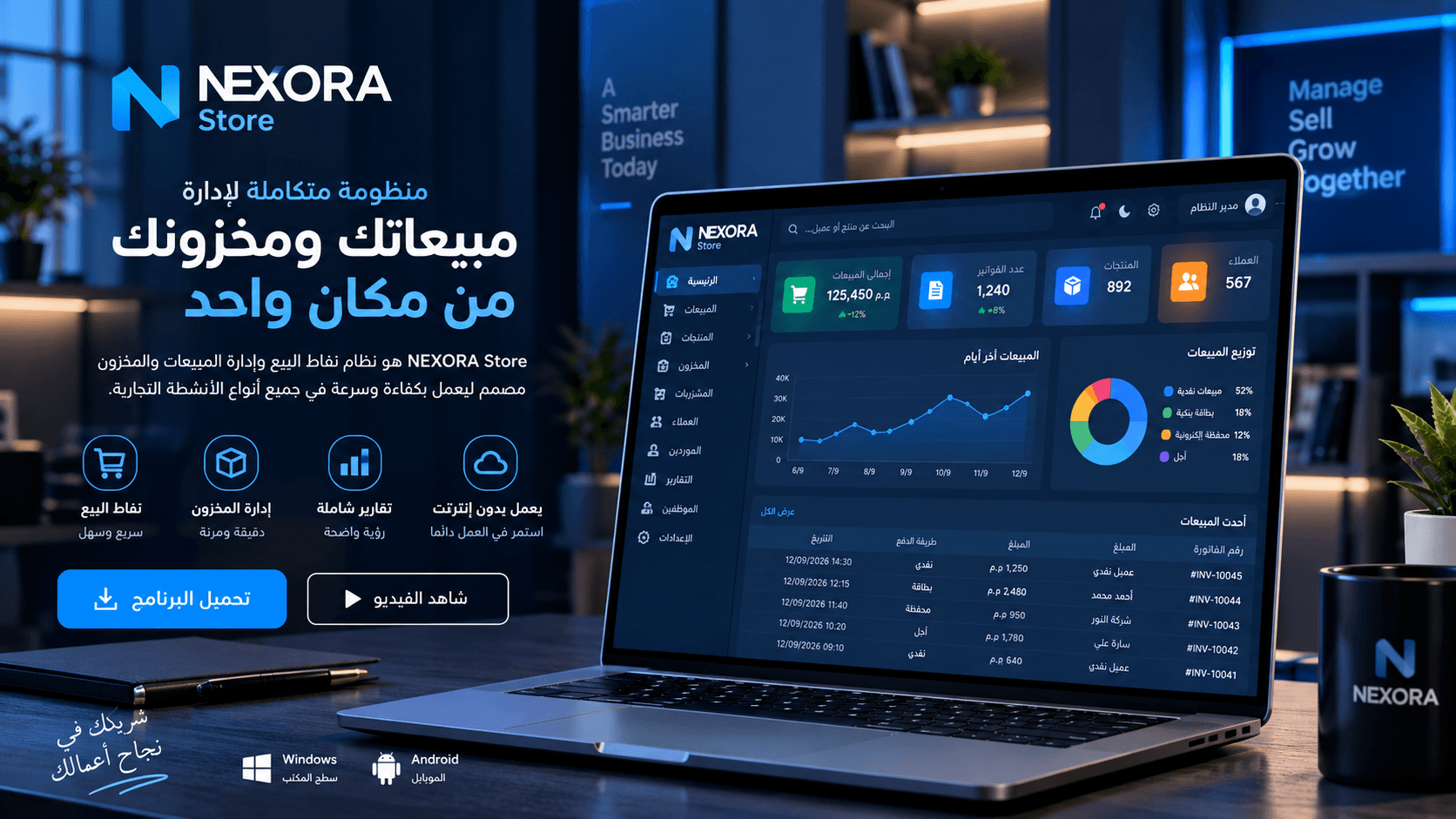
v0.1.0 · Windows · 28+ featuresA complete system for point of sale, inventory, sales and reporting. Runs locally without internet and syncs to the cloud when available.
- 3-day free trial, then license activation
- Local SQLite database — fast and stable
- Local and Google Drive backups
3-day free trial — no credit card required.
Download NEXORA Store
The Windows build is available now. The Android app is in development.
Windows
v0.1.0 · 129 MB · x64
Full installer for Windows 10 or newer (64-bit).
- Version
- 0.1.0
- Size
- 129 MB
NEXORA-Store-Setup-0.1.0.exe
Android
—
The mobile app is in development and has not been released yet.
Installation steps
- 1Open the Google Drive folder and download NEXORA-Store-Setup-0.1.0.exe
- 2Run the file and follow the installation steps
- 3Open the app and start the 3-day free trial
- 4For permanent activation, contact us to obtain a license
The download button opens the Google Drive folder. Download NEXORA-Store-Setup-0.1.0.exe from there, then install it.
Verify the file: A SHA-256 checksum is published with each official release when available.
Built to work in the store, not in a slide deck
Deliberate design decisions based on real day-to-day operational problems.
Does not stop when internet drops
Every operation is recorded locally instantly; syncing happens in the background when the network is available.
Fast on mid-range hardware
A local database means instant response at the register with no waiting on the network.
Full control over permissions
Roles for cashier, warehouse and management, with an audit log for every sensitive action.
Reports you can decide on
Sales, profits, expenses, shifts and stock — in printable reports.
Local-first: local by default, cloud as an addition
Data is written directly to an SQLite database on your machine. When internet is available it syncs securely with Firestore — and work never stops either way.
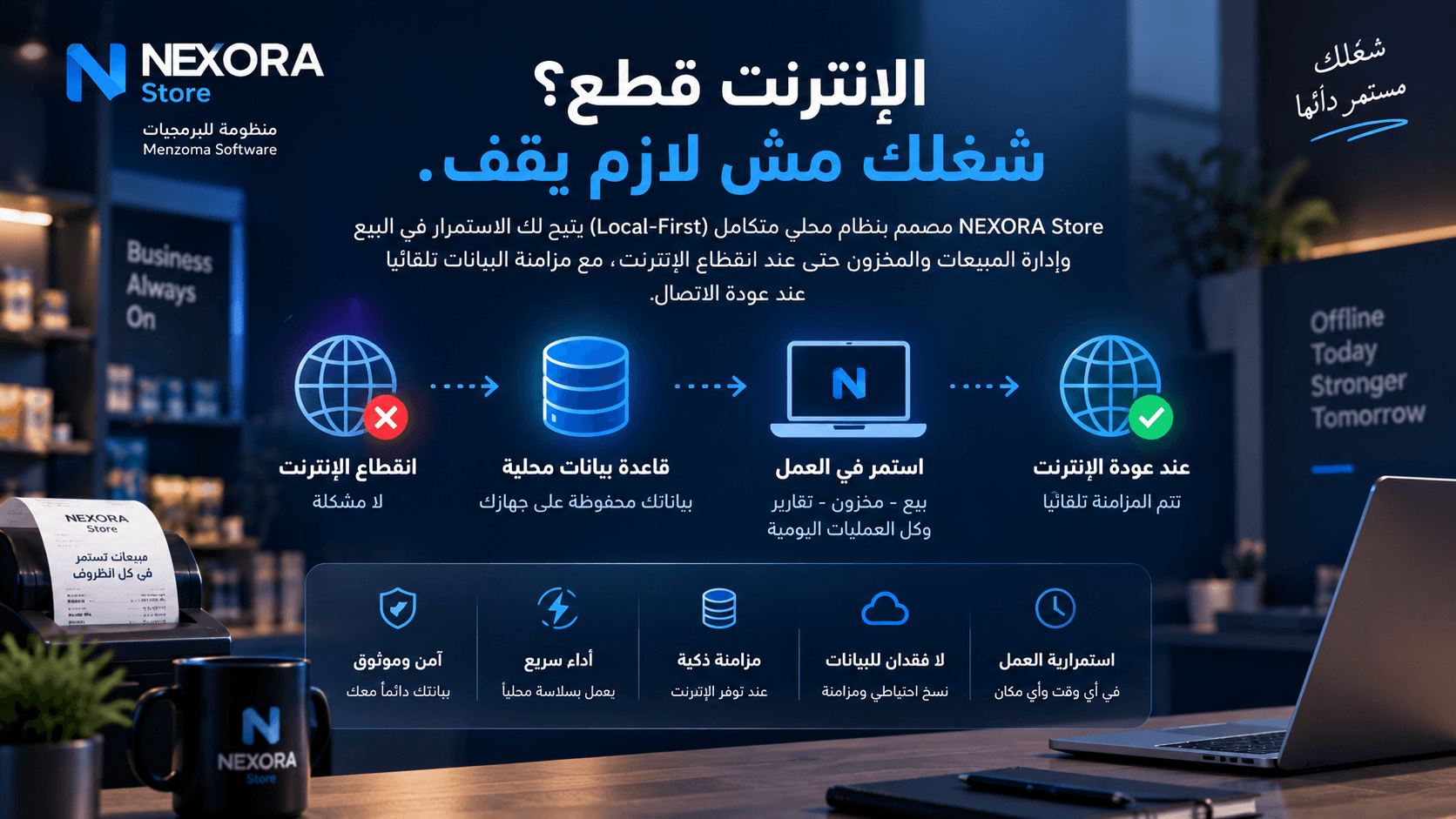
Application layer
A desktop application running on Windows
Local database
SQLite on your machine — the source of truth while operating
Sync layer
Background sync whenever internet is available
Cloud
Firestore for cross-device sync and backup
- The register works fully offline
- No data loss when the network drops
- Automatic sync once the connection returns
- Local and Google Drive backups
Features in version 0.1.0
Every feature listed here is actually available in the current release.
Sales & POS
9Point of sale (POS)
A fast cashier screen with instant item search and quick checkout.
Sales management
Record, track and amend sales invoices according to permissions.
Returns
Sales and purchase returns with automatic stock and account adjustments.
Barcode
Scan barcodes for selling and stocktaking, and generate item barcodes.
Printing
Print invoices and receipts on thermal and A4 printers.
Price levels
Multiple prices per item (retail, wholesale, special) by customer type.
Promotions & discounts
Configure promotions and discounts and apply them to invoices.
Quantity pricing
Different prices based on the purchased quantity tier.
Restaurant tablesOptional
Table and order management — enabled for restaurants and cafés.
Inventory & items
3Multi-warehouse
Manage multiple warehouses and track balances and transfers between them.
Products & items
Item data, units, prices and categories.
Purchases
Supplier purchase invoices with stock and cost updates.
Customers, suppliers & team
6Customers
Customer records, balances and transaction history.
Suppliers
Supplier records, balances and linked purchase invoices.
Sales reps
Link invoices to reps and track each rep’s sales.
Delivery reps
Assign orders to delivery reps and follow their status.
Permissions & roles
Cashier, warehouse and management roles with per-screen permissions.
Shifts
Open and close cashier shifts with cash closing and reconciliation.
Money & collection
3Installments
Installment sales with schedules and collection tracking.
Expenses
Record and categorise expenses for accurate net profit.
Multi-currency
Work with more than one currency with configurable rates.
Reports & tracking
3Reports
Printable sales, stock, profit, expense and shift reports.
Audit logs
A log showing who performed each sensitive action and when.
WhatsApp automation
Send WhatsApp messages to customers from inside the system.
Platform & data
4Offline local-first
A local SQLite database — work never stops when the network drops.
Cloud sync
Optional Firestore sync across devices when internet is available.
Backup
Local and Google Drive backups with restore when needed.
Trial & activation
A 3-day free trial, then activation with a license.
A look inside the system
Illustrative visuals of the main system interfaces.
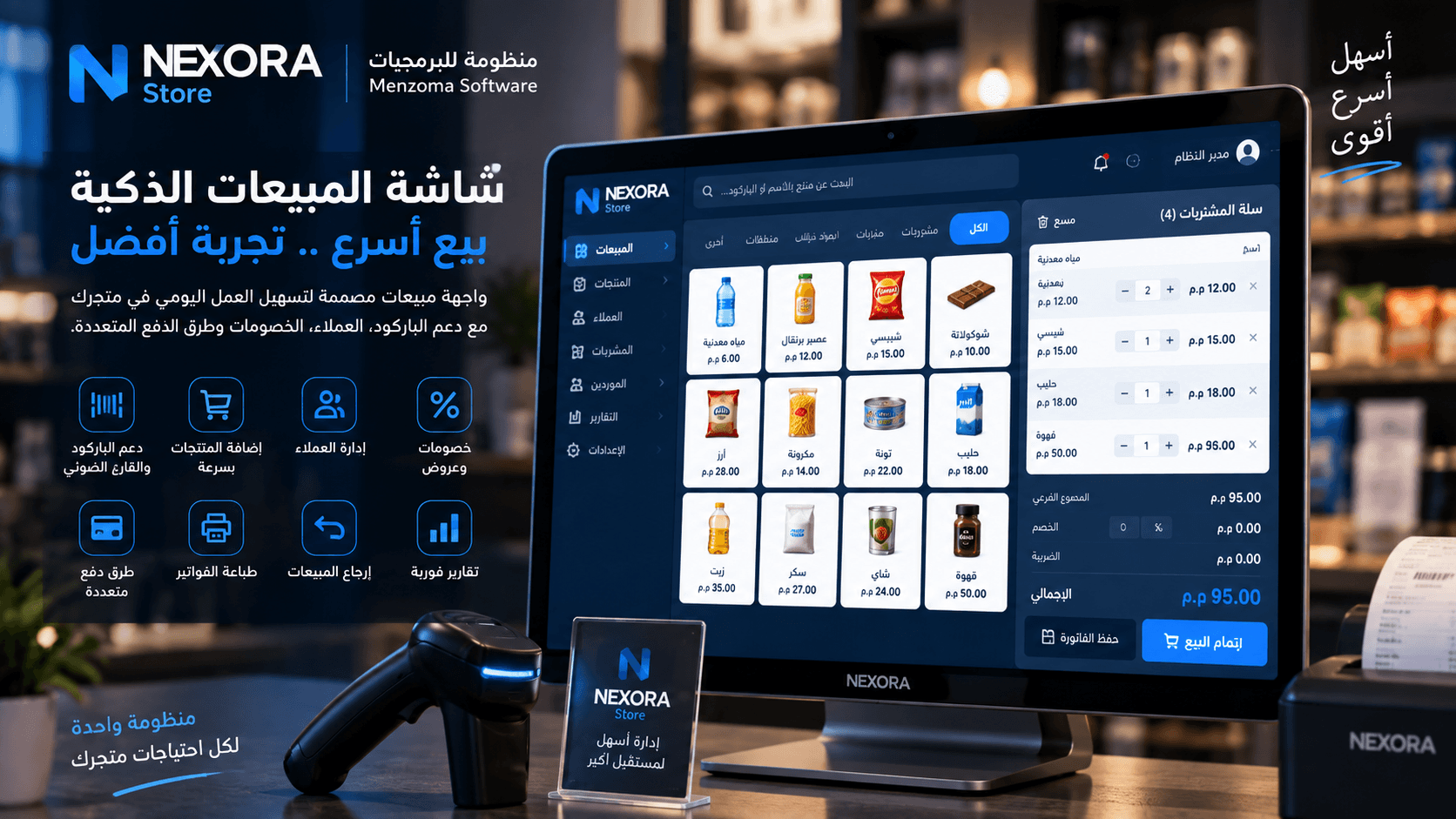
Point of sale (POS)
Fast search, barcode, items, discounts and multi-method payment with invoice printing.
Dashboard
Sales, profits, stock and shifts summarised on a single screen.
- Rice 1 kg2 × 64.00
- Corn oil 700 ml1 × 58.50
- Sugar 1 kg3 × 96.00
Visuals illustrate version 0.1.0 and details may change between updates.
Offline operation
Sync status indicator and full operation when the network is down.
From install to first invoice
Only four steps to run the system in your store.
- 1
Install
Download the installer and run it on a Windows machine.
- 2
Initial setup
Enter your store, warehouses, users and permissions.
- 3
Add your items
Add products, prices, barcodes and price levels.
- 4
Start selling
Open a shift and start issuing and printing invoices.
System requirements
Initial requirements for the current release — updated with every version.
- Operating system
- Windows 10 or newer (64-bit)
- Memory
- 4 GB or more
- Disk space
- 1 GB free space
- Internet
- Not required to operate — required for sync and cloud backup
- Printer
- Thermal receipt or A4 printer supported by Windows
- Barcode scanner
- Any keyboard-emulation (USB) scanner
These values are indicative; contact us to confirm your hardware is suitable.
Version information
- Current version
- v0.1.0
- Release channel
- Early release (0.1.x)
- Supported platforms
- Windows 64-bit
- License and trial
- 3-day free trial, then license activation
- Size
- 129 MB
Release notes
- An early release covering the core sales, inventory and reporting cycle.
- The Android app is in development and has not been released yet.
- Restaurant table screens are optional and enabled per business type.
Common questions about NEXORA Store
If your question is not here, contact us directly.
Hands-on support in Arabic
You are not left alone with the system — installation, training and follow-up are part of the service.
Installation and setup
Help installing and configuring your store, items and permissions.
Team training
A training session covering the register, inventory and reports.
Follow-up and updates
Fixes for reported issues and version updates during the support period.
Backup and restore
Assistance with backups and restoring data when needed.
NEXORA Store
A complete system for sales, inventory, customers and reporting that runs locally on Windows over an SQLite database, with optional cloud sync and local plus Google Drive backups.
Try NEXORA Store in your shop today
Download the build, start the free 3-day trial, and we will help you set it up.